Enter a lead or snap a card
Type it in, or let AI read a visiting card.
AI-powered lead conversation
WhatsApp, email, and a Kanban board in one project. AI writes the next move. You send it.

0s
Lead from a visiting-card photo
1 plan
Whole workspace — not per seat
0 auto-sends
You send when the draft is right
The workspace
Humans and AI work in the same project. Pipelines, WhatsApp, email, and briefs stay on the lead — not in five other tools.
Capture from a form, import, or visiting-card photo.
Learn more →Move deals by stage. Each project keeps its own board.
Learn more →Draft replies and campaigns only for opted-in contacts.
Learn more →Briefs, drafts, chat, and scoring — you still send.
Learn more →Message that project only. Nothing goes out until you do.
Learn more →How it works
Add people, move deals, then message only the contacts in that project.
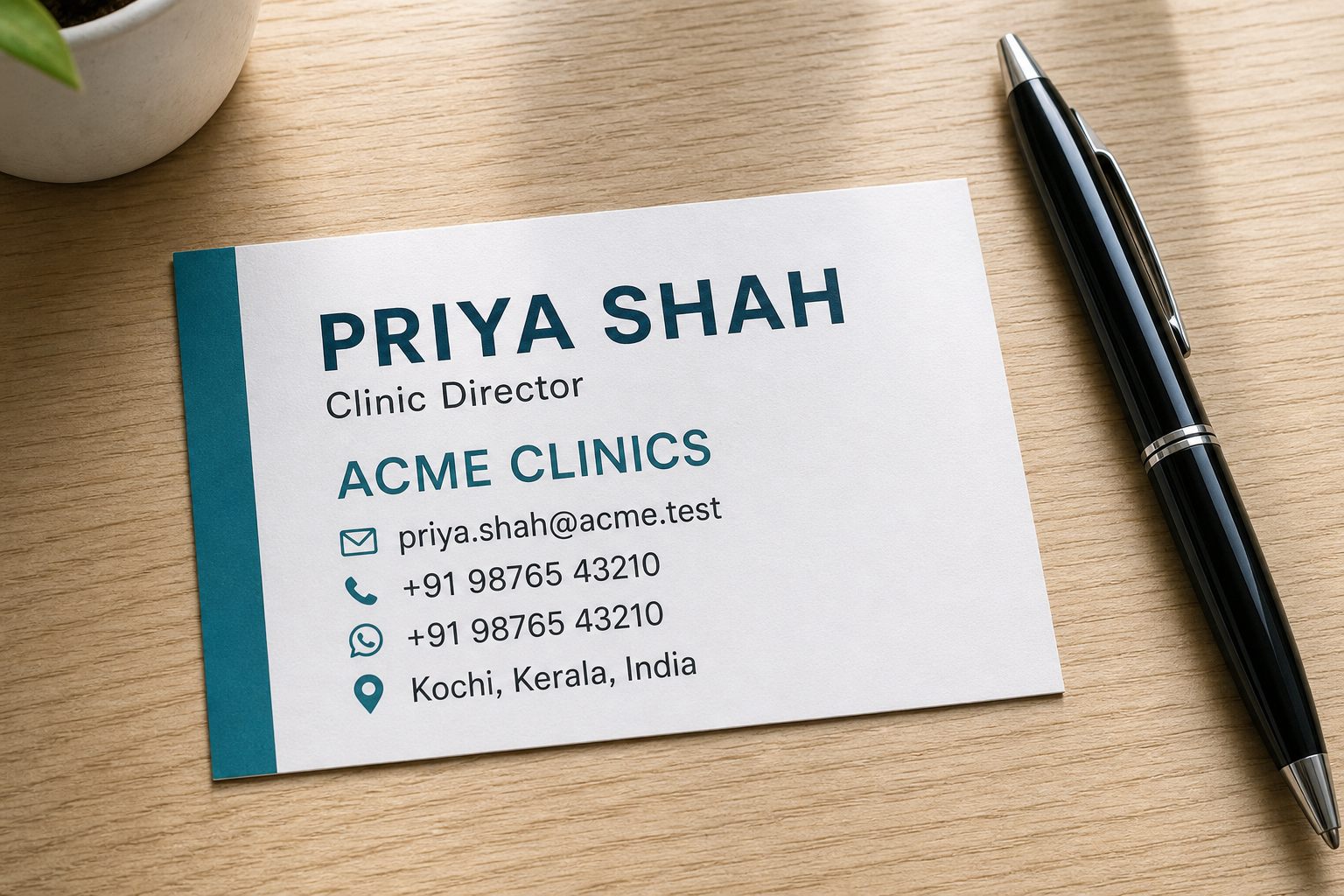
Type it in, or let AI read a visiting card.
Each project keeps its own pipeline and Kanban.
WhatsApp consent lives on the contact.
Briefs, email, and chat use the same lead.
WhatsApp and email stay inside that pipeline.
Built-in AI
Tap a tab. Same person, five drafts. Nothing leaves the workspace until you copy, open WhatsApp, or hit send.
0 auto-sends · Starter includes AI
Ananya · Acme Clinics
Score 92 · Demo tomorrow
Score
92
Qualified
Summary
Asked for a clinic demo after the visiting-card photo. Last WhatsApp was yesterday.
Next action
Send the WhatsApp draft tomorrow at 10:00. Attach the pricing sheet.
Suggested task: 20-minute demo for Acme Clinics.
Snap a card. Name, company, phone, first note.
Draft from the thread. You copy or open WhatsApp.
Write from the lead, not a blank page.
Talking points before the call. Agenda for the meeting.
What’s overdue, who to call, what stalled.
Today’s dashboard brief, plus a pipeline you can ask about.
Stories from the workflow
“Snap the visiting card at the stall. AI fills the lead. You still review the number before WhatsApp.”
Lead from photo
Name, company, phone, and a first note — then you decide.
“Draft the reply from the thread. Copy it, or open WhatsApp. The CRM never sends on its own.”
Consent-first messaging
WhatsApp stays on the contact. Campaigns stay in that project.
“One board per project. Drag the deal, read the AI brief, and know who is stalled.”
Pipeline you can see
Stages, scores, and follow-ups live on the same card.
What you get
Boards, WhatsApp, import, and access live in the same project. Nothing auto-sends.
Move deals by stage. Each project keeps its own board — not one pipeline for the whole company.
Opted-in contacts in that project only. You still tap send.
Demo tomorrow at 10?
Draft ready — you send it
Map columns, then run. Growth and Pro. AI can clean the file first.
One person, many leads. Consent and WhatsApp stay on the contact.
Admins pick who sees which project. Members don’t get the whole workspace.
Starter, Growth, or Pro for the install. Pay in INR when you are ready.
Inside LeadConAI
Open a project, drag a deal, and see the AI brief on the same screen.
Today
18 leads need a follow-up
New
6
Qualified
7
Won this week
3
Simple pricing
One subscription for this LeadConAI install. Upgrade, switch, or stay on Starter. An admin switches the plan in Billing until Razorpay keys are added.
Try LeadConAI with a small team
No card. Upgrade when the team grows.
For an active sales team
or ₹14,990 / year
Unlimited workspace for the whole company
or ₹39,990 / year
LeadConAI FAQs
LeadConAI is an AI-powered CRM for tracking leads, moving deals on a Kanban board, and messaging the right people — project by project. AI drafts briefs, WhatsApp, email, and chat from the same lead. You review, then send.
No. Campaigns stay opted-in, and the CRM does not auto-send. AI writes a draft from the lead or project. You copy it, open WhatsApp, or send the email when it is right.
Starter is free. There is nothing to install and no credit card to begin. Upgrade to Growth or Pro when the team needs import, more AI, or campaigns.
Create a workspace and subscribe yourself. One plan covers your organization — not billed per seat. You become the admin. Pay in INR with Razorpay when keys are set. Then invite your team; they get the CRM dashboard.
Get started today
Sign in, add a lead, or drop a visiting card photo. Starter stays free.
AI drafts. You send. WhatsApp stays opted-in.

Starter is free · no card
One workspace plan for the whole team